

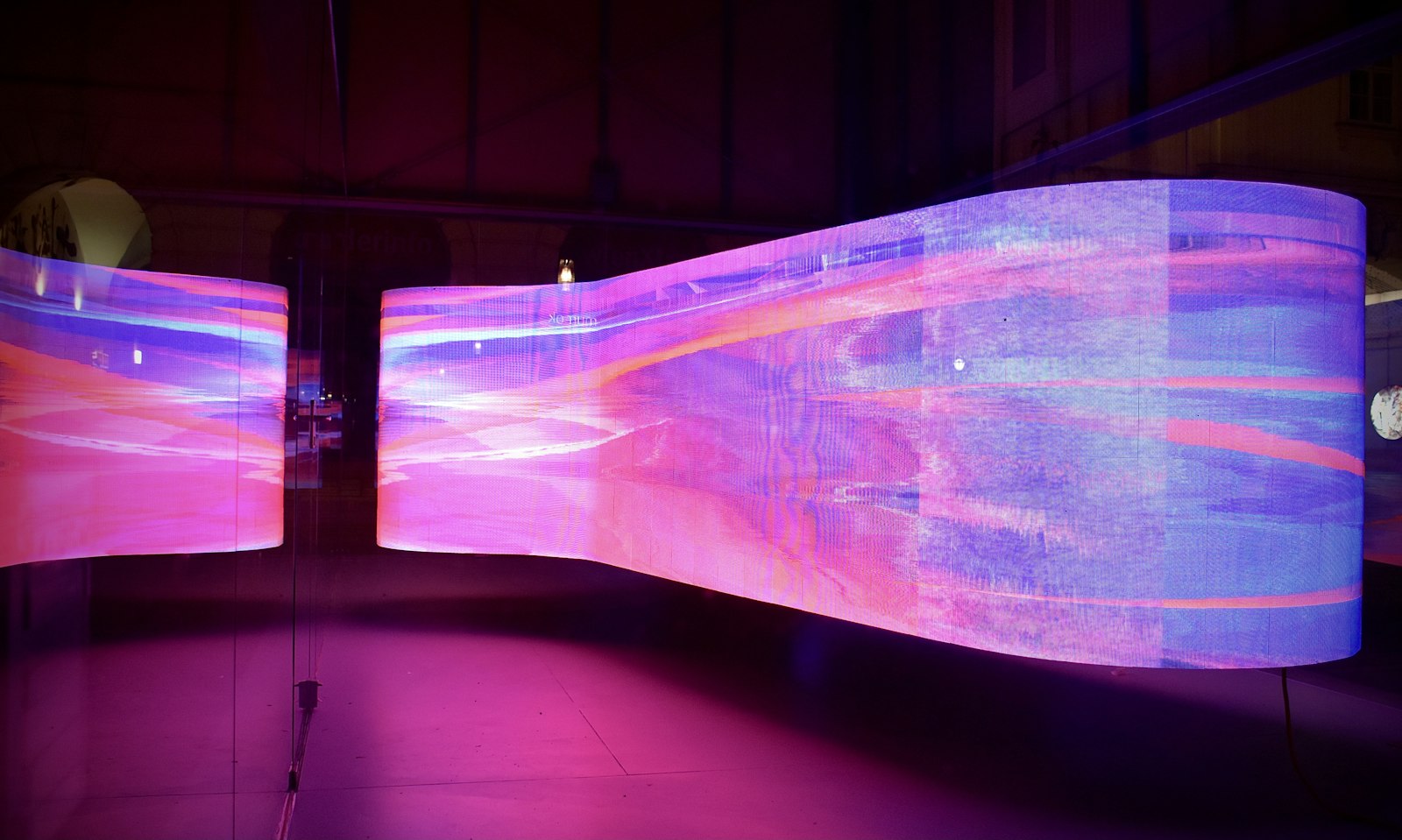
Powering LED processors 000%
Now booking Q3 production calendars — tell us about your next launch. Start a project
⊞ // Discipline

Pixel Mapping & LED Control

LED tubes, strips, pixel bars, dot-matrix ceilings and architectural façades pixel-mapped in MADRIX 5, driven over Art-Net or sACN and processed by NovaStar, Brompton, Colorlight and Megapixel.

Pixel mappingMADRIX 5Art-Net & sACNNovaStarBrompton TesseraColorlightMegapixel HELIOSArchitectural LED
Pixel Mapping & LED Control

A pixel-mapped installation is a lighting rig and a video surface at the same time. MADRIX 5 holds the map: every tube, strip and bar is patched to a fixture profile with its real pixel count, and the effects run from the same control layer as the rest of the lighting rig over Art-Net or sACN.

The network is planned like any other show network — fixed IP ranges, managed switches, documented universes — and carried by MADRIX LUNA, MADRIX STELLA and MADRIX ORION nodes, so a pixel wall in the ceiling and a wash light on stage answer to one console file. Content and mapping are backed up as a show file, which means a replacement machine can be loaded and running in minutes.

01 // Detail

Pixel mapping with MADRIX 5

MADRIX 5 maps a physical surface to a logical one: we measure the installation, patch each run of LED tube, strip or bar with its real pixel count, then draw the effects over that map. Because the map is a proper layer, a design can be moved from a test rig to the venue without re-patching anything by hand.

The universes leave the control PC through MADRIX LUNA and MADRIX STELLA interfaces, with MADRIX ORION nodes on the rig where the distance or the port count calls for it — all over Art-Net or sACN. Node IPs, universe numbers and cable routes are labelled and handed over in a drawing, so the next technician inherits a documented system.
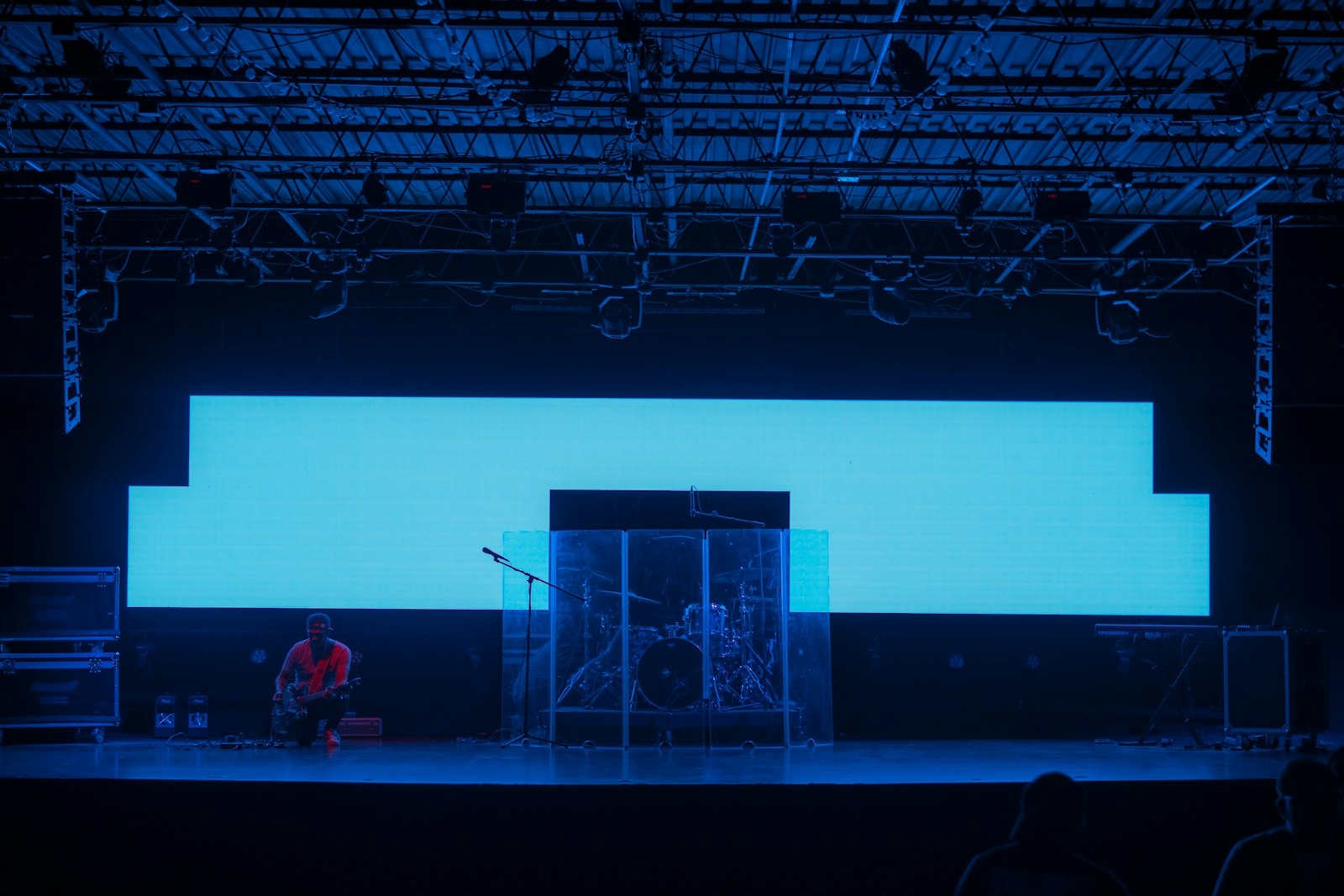
Pixel mapping with MADRIX 5 Pixel mapping with MADRIX 5
02 // Detail

LED processors and controllers

Behind every stable LED surface there is a processor doing the boring work: brightness, gamma, colour and frame sync. We specify by surface and pitch — NovaStar MX40 Pro or COEX VX1000 for large stage builds, Brompton Tessera SX40 or S8 with Tessera G1 receiver cards where colour accuracy and camera performance matter, Colorlight Z6 for architectural runs and Megapixel HELIOS where the pixel count and HDR handling ask for it.

Every processor is configured with a known-good preset, a source backup and a documented recovery step. On camera-heavy shows the LED is tuned for shutter, not for the eye: scan rate, brightness ceiling and colour temperature are set with the camera crew in the room.

LED processors and controllers LED processors and controllers
03 // Detail

Media servers and playback

Mapping content is played back from Resolume Arena or disguise, feeding the processors through a frame-synced output. We keep the mapping and the media on the same machine, so a late change to a 40 m LED run does not turn into a second evening of re-warping.

Media is encoded for playback rather than for archiving, layers and clips are named to the running order, and a second machine mirrors the show file on the same timeline. If the primary server is lost, the show continues from the backup without the audience noticing a frame.

Media servers and playback Media servers and playback
04 // Detail

Architectural and stage LED control

Permanent and semi-permanent installations need more than a show file: scenes for opening hours, cleaning, events and emergencies, an interface the building team can use without training, and a blackout that cannot be triggered by accident. We commission each of those states and record who controls what.

For stage work the pixel surfaces stay in the lighting console as fixtures, so a cue that moves a beam and pulses a pixel bar can be written as one look. Changeover documentation travels with the rig, including the fixture profile numbers, the map and the Art-Net patch.

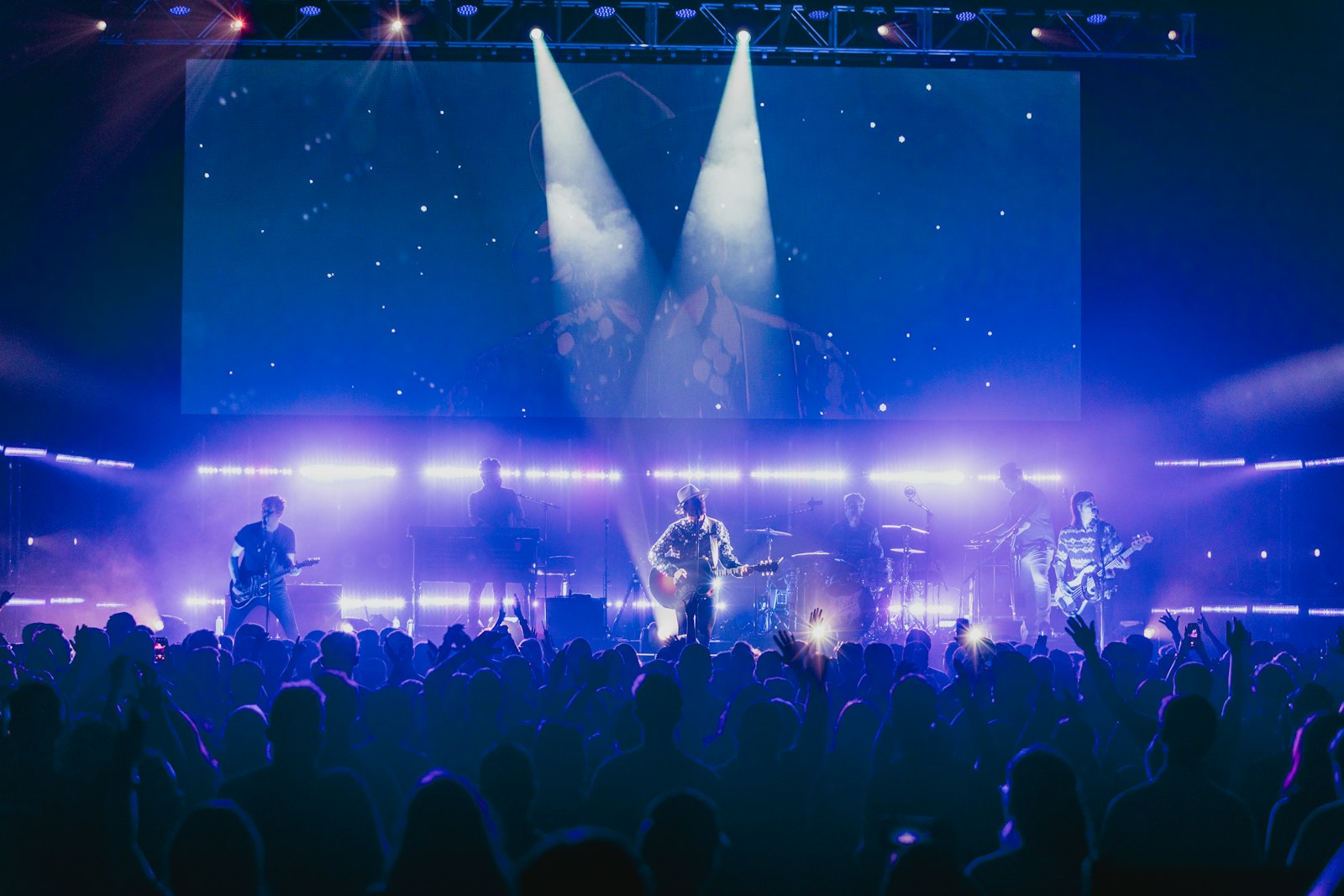
Architectural and stage LED control Architectural and stage LED control

Tell us about the room, the date and the audience.

Talk to a producer